

Advanced bike route planner for cities
Drop your stops on the map or describe the ride in a sentence. Cyclemate plans the safest line between your stops with SuperSafe™ routing and gives it a page you can share or ride with turn-by-turn directions.
- Angel10:00
- 1Highbury Fields10:11
- 2Finsbury Park10:24
- 3Clissold Park10:32
- 4Victoria Park10:57
- 5London Fields11:08
Cyclemate in numbers
- 385,000+routes planned
- 65,000+miles recorded
- 4.4avg ride review
Two ways to plan a route
Map it yourself
- Drop your stops on the map
- SuperSafe™ plans the line
- Drag to adjust
Describe it
- Say it in a sentence
- SuperSafe™ plans the line
- Ask for changes
Planning with AI, step by step
You stay in charge. Nothing is shared until you save, and you can edit every part by hand.
- 01
Describe it
Say where it starts, the stops, a time and the pace. Add a look if you like: “something green”.
- 02
Check the route
See it on the map with its SuperSafe™ score. Drag stops, add more, or ask for a change: “go via a park”.
- 03
Save and share
The name, description and theme are drafted. Turn it into a group ride with RSVPs and send the link.
- Angel10:00
- 1Highbury Fields10:11
- 2Finsbury Park10:24
- 3Clissold Park10:32
- 4Victoria Park10:57
- 5London Fields11:08
Ride it, share it, or plan it by hand
Every route comes with these, however you planned it.
Turn-by-turn
SuperSafe™ directions along the route, with voice, on iPhone and Android.
Always up to date
A dynamic route fetches the latest SuperSafe™ line each time someone starts it, so it keeps up as roads change.
Plan it yourself
Drop stops on the map, drag them around, and reorder them.
Share the link
Every route gets its own page to send to friends or ride again later.
Things you can ask
Name the places, say where you’re starting and add a time. Then keep going in the same chat.
Custom routes
Loops and day rides through the places you name. A saved dynamic route keeps planning the safest line as roads change.
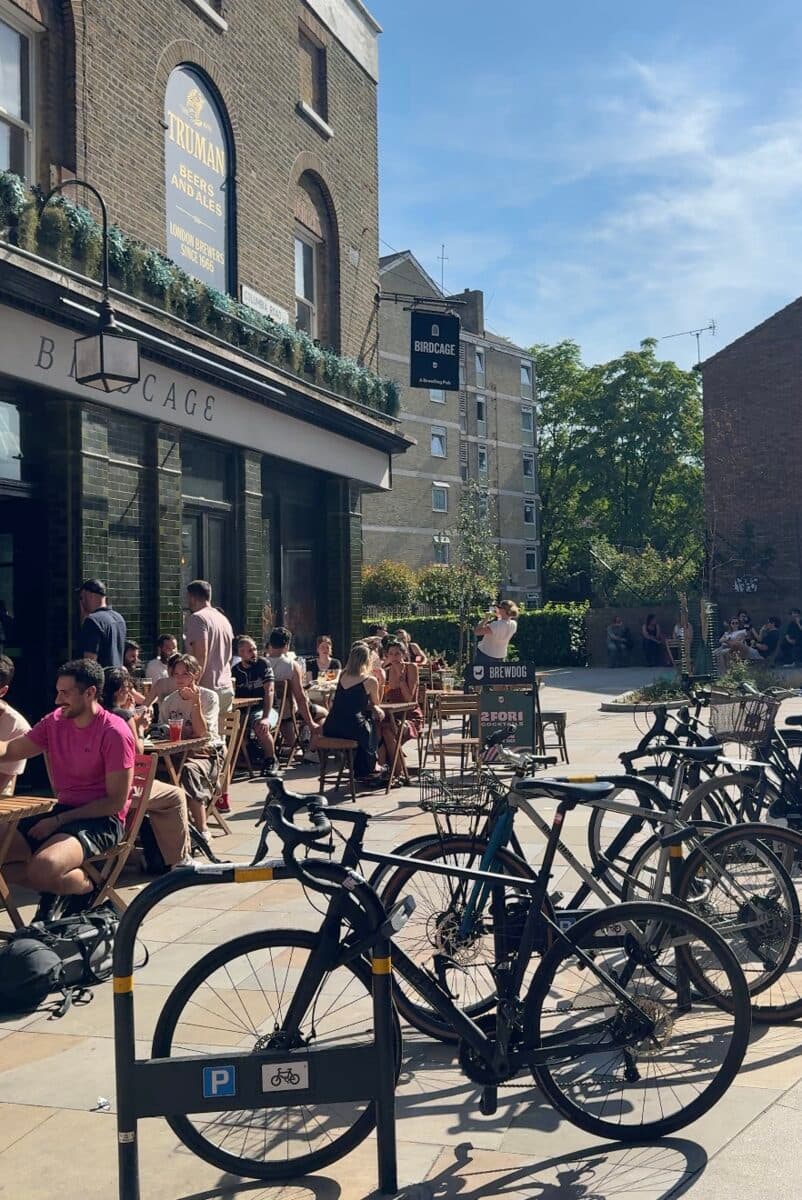
“A Sunday loop from Angel through five parks, with coffee at London Fields.”
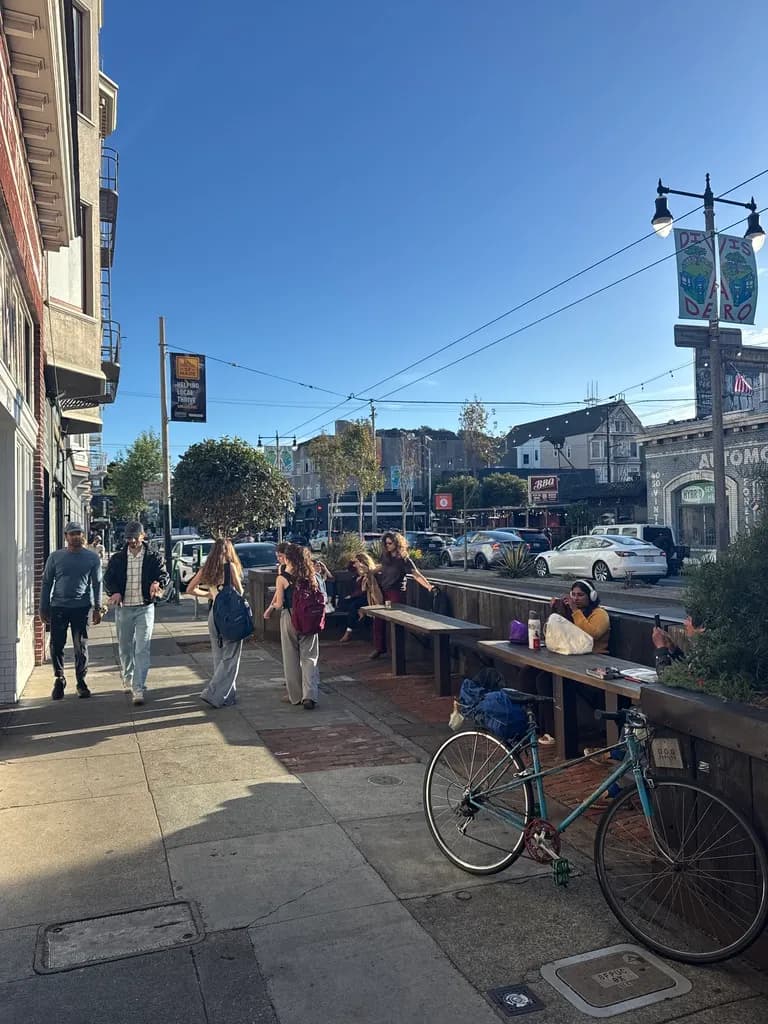
“Over the Brooklyn Bridge to DUMBO and back, with a coffee stop.”
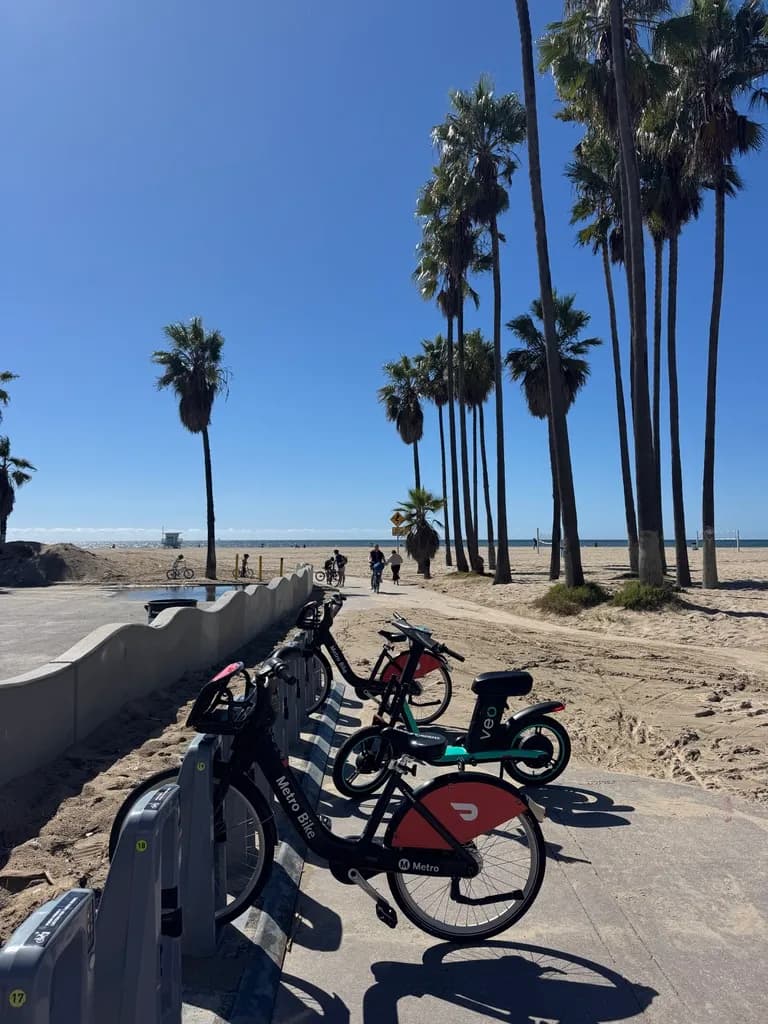
“Beach path from Santa Monica to Marina del Rey and back.”
- Venues
- Loops
- 10 stops
- Shareable
Group rides
Add a start time and it becomes a group ride, with a drafted name, description and theme.
How group rides work“Make it a group ride on Saturday at 10am.”
“After-work ride over the Williamsburg Bridge to Domino Park, 6:30pm, neon look.”
“A birthday ride for Sam on Sunday at noon, ending at Broadway Market.”
- Start time
- Name
- Description
- Theme
Changes
Once it’s planned, ask for edits the way you’d ask a friend. Undo puts the last change back.
“Go via a park.”
“End at a pub.”
“Make it a loop.”
“Take the most direct way.”
“Swap the coffee stop for somewhere closer.”
- Stops
- Shape
- Directness
- Undo
Used to Komoot or Strava? See how Cyclemate compares for city riding.
Already plan in Claude or ChatGPT?
The same planner works there too, through the Cyclemate connector. Rides you save show up in the app.
Questions
How do I plan a ride with AI in the Cyclemate app?
Tap + in the app, choose Route or Group ride, then Tell us about it. Describe the ride in a sentence and Cyclemate plans it with SuperSafe routing. On the web, open Make a route and choose Tell us about it.
Can I change the route it plans?
Yes. Drag stops on the map, add or remove them, or ask in Ask AI, like "go via a park", "make it a loop" or "take the most direct way". Undo puts the last change back.
Can I turn a route into a group ride?
Yes. Mention a start time and it drafts the name, description and theme. You choose who can see it and turn on RSVPs before you share.
Can I still plan a ride by hand?
Yes. Choose I'll map it myself and drop your stops on the map. You can switch to Ask AI at any point.
What if the plan is not what I asked for?
Check the route before you share it. Ask for a change in your own words, or give a plan or a reply a thumbs down to tell us what went wrong.