

The AI bike route planner for Claude
Plan a cycling route in plain words. Tell Claude where you’re going and Cyclemate works out the safest way there with SuperSafe™ routing, then hands it to the app for turn-by-turn navigation. Or build a custom route through the places you name and share it as a group ride.
Things you can ask
Name the places, say where you’re starting and add a time if it’s not now. Tap a prompt to see the card it shows and what it says, or copy it into Claude to try it.
Custom routes
Loops and day rides through the places you name. Save one and Cyclemate keeps re-planning the safest line as roads change.
The card Claude shows for this prompt, with the ride it planned.
Open in the plannerThe card Claude shows for this prompt, with the ride it planned.
Open in the plannerThe card Claude shows for this prompt, with the ride it planned.
Open in the planner
- Venues
- Loops
- 25 stops
- Shareable
Group rides
Turn a route into a group ride with a start time, RSVPs and a theme, then share the link.
The card Claude shows once it has saved the ride.
Open in the plannerThe card Claude shows once it has saved the ride.
Open in the plannerThe card Claude shows once it has saved the ride.
Open in the plannerThe card Claude shows once it has saved the ride.
Open in the planner
- RSVPs
- Questions
- Rider cap
- Themes
- Stickers
A to B
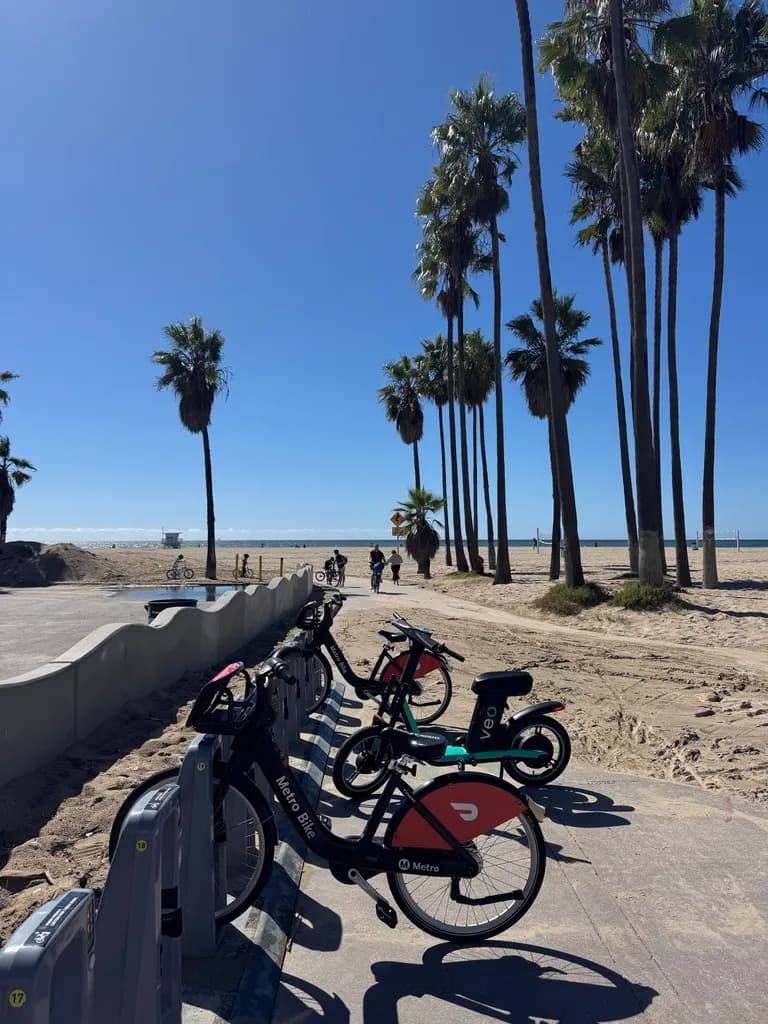
The SuperSafe and direct way to an address, a venue or a neighbourhood, on your own bike or a shared one.
The card Claude shows for this prompt, with the ride it planned.
Open in the plannerThe card Claude shows for this prompt, with the ride it planned.
Open in the plannerThe card Claude shows for this prompt, with the ride it planned.
Open in the plannerThe card Claude shows for this prompt, with the ride it planned.
Open in the plannerThe card Claude shows for this prompt, with the ride it planned.
Open in the planner
- Via stops
- From here
- Bike share
- E-bikes
- Parking
- Live docks
- Fares
- Hills
- Roadworks
Later or after dark
Add a time and the ride is planned for it. After dark it prefers well-lit streets.
The card Claude shows for this prompt, with the ride it planned.
Open in the plannerThe card Claude shows for this prompt, with the ride it planned.
Open in the plannerThe card Claude shows for this prompt, with the ride it planned.
Open in the planner
- Leave later
- Night routing
Connect Cyclemate to Claude
Add the Cyclemate MCP server as a connector in Claude (ChatGPT soon). It takes about two minutes.
https://api.cyclemate.club/mcp- 01
Settings → Connectors → Add custom connector
- 02
Paste the URL and the client ID from the guide
- 03
Sign in to Cyclemate and choose Allow
Needs Cyclemate Premium · London, New York City, Los Angeles and the Bay Area
Questions
What is an AI bike route planner?
An AI bike route planner lets you ask for a ride in plain words and get a route planned for cycling, not driving. Cyclemate’s is a connector for Claude: name the places, say where you are starting and add a time if it is not now, and the ride is planned with SuperSafe routing, which prefers protected cycleways and quiet streets over busy roads, then handed to the Cyclemate app for turn-by-turn navigation.
What is the Cyclemate MCP server?
A remote MCP (Model Context Protocol) server that lets Claude plan bike rides with your Cyclemate account. Ask in plain words for directions or a custom route, and it plans the ride with SuperSafe routing and gives you a route card that opens in Cyclemate.
Which assistants does it work with?
Claude and Claude Code today, with ChatGPT coming soon. Any assistant that supports remote MCP connectors with OAuth sign-in can use it.
Do I need Cyclemate Premium?
Yes. Connecting an assistant needs Premium. If you are not a member, the sign-in page offers the upgrade instead of Allow.
Which cities does it cover?
London, New York City, Los Angeles and the Bay Area. Every stop in one ride must be in the same city.
Can it plan a ride through several places?
Yes. A ride can pass through up to 8 stops between its start and end, and a saved custom route can hold up to 25 places. Name the places in order and Cyclemate plans the safest line between them.
What can the assistant see about me?
Your display name, handle, city and units. It never sees your email, your home or work address, your ride history or your saved routes.
How do I disconnect it?
Open Account, then Settings, then Connected apps, and choose Disconnect. Access ends straight away.